SCG-MI

Michigan Sentencing Guidelines Calculator
How it Works

With a few simple steps you can quickly calculate sentencing, review relevant information, and share information as needed.

Making Michigan’s Sentencing Guidelines Simple and Organized  

Using three simple screens and an easy-to-use interface, you can see all relevant information for each sentence, organize sentences accordingly, and download, print, or email S.I.R. reports with a few clicks. Watch the video to see how it works, or walk through the process, step-by-step, below.

Take a look at the tutorials page to learn about other features, such as how to add users, duplicate a sentence, or send an email from the application.

How it Works

01

Add a new Sentence from the Main Sentences page

Add as many Sentences as you want. There is no limit to the amount of Sentences you can have.
02

Enter the name and offense date and choose the MCL and HO Level of the Sentence

These are all on the same page for easy entry. 
03

Click the PRVs button

This will take you to the PRV lookup page. You can then expand any relevant PRVs. All PRVs will display the instructions, possible points, and their description.
04

Click the OVs button

This will take you to the OV lookup page. You can then expand any relevant OVs, based on the MCL’s Crime Group. All OVs will display the instructions, possible points, and their description.
05

Click the Results tab

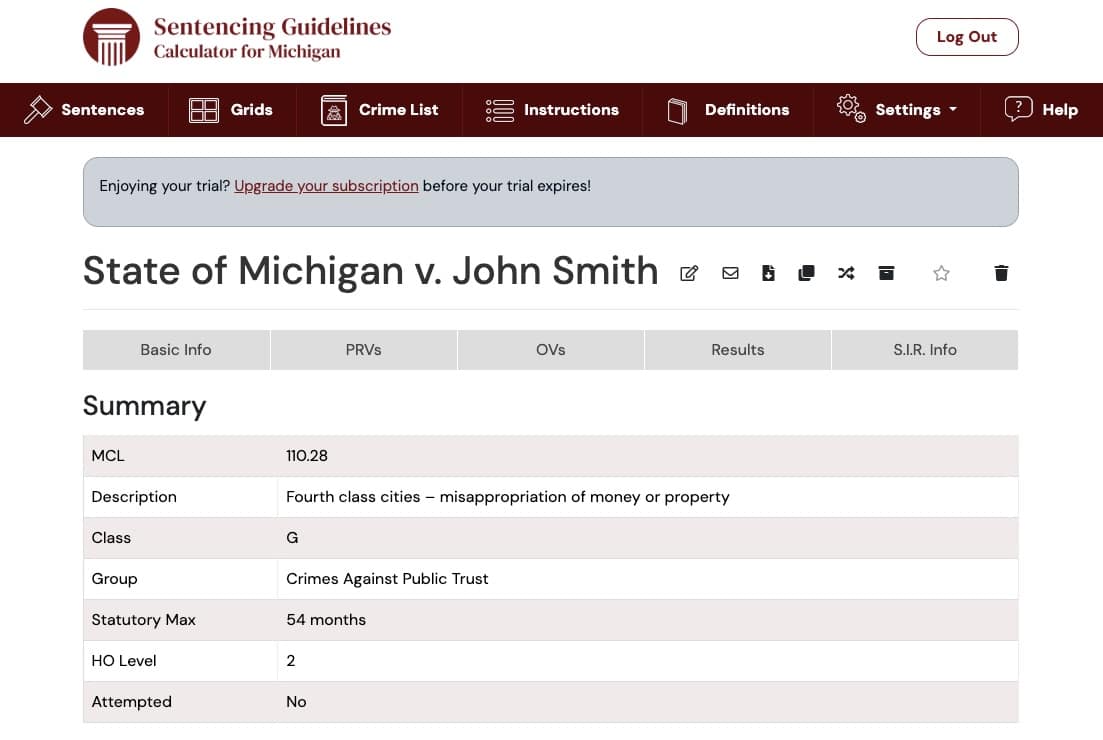
It’s that easy! The S.G.C. will calculate and display the Minimum Range, Sanction, and possibility of a life sentence. You can also see a summary of the information you entered (MCL, MCL Description, Crime Class, Crime Group, Statutory Max., HO Level, PRV Total and Level, and OV Total and Level). Additionally, this is where you would see any notes you kept on each PRV and/or OV.

Your Sentences will stay in your account until they are manually deleted.

With no limit on the number of Sentences you can have, you can keep the Sentence as long as you need to.

Easy Viewing

On the Results Tab, you will see the calculated result highlighted along with the relevant Crime Class grid with the resulting Guidelines range also highlighted. 
Summary

Sharing 

Email, print, or download the Sentencing Information Report directly from the desktop or mobile app to share with colleagues.
Easy Sharing

Organizing

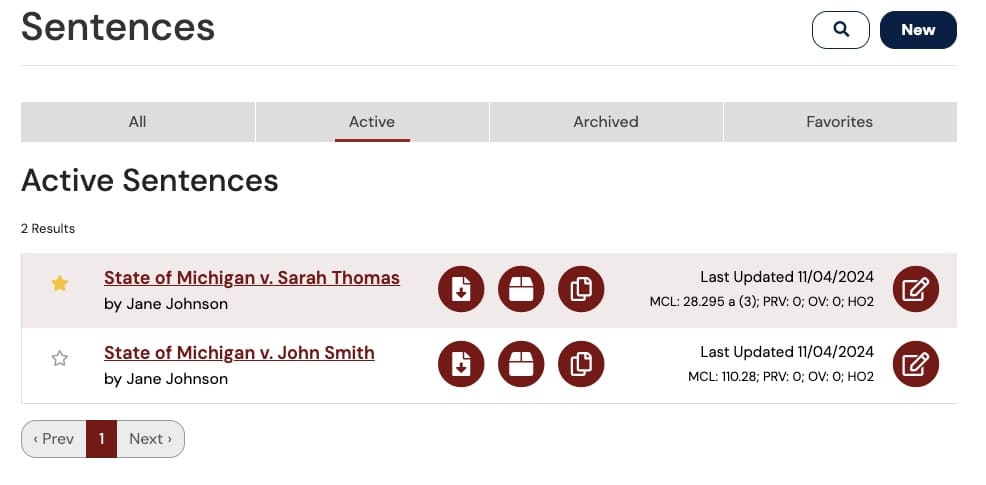
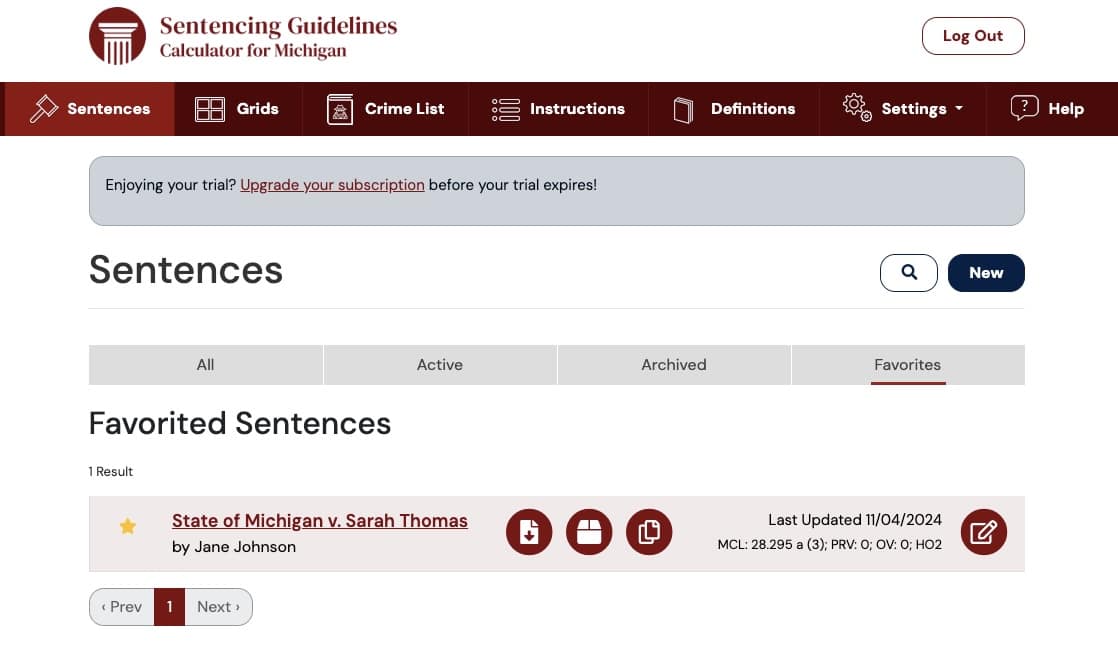
Mark the Sentence as a favorite to quickly revisit it, or archive it and save it for later. From the main Sentence page, you can select All, Active, Favorite, or Archive buttons to see the Sentences as you’ve organized them. 

Start a Free Trial

Ready to simplify and organize sentencing? Try the Michigan Sentencing Guidelines Calculator free for 30 days.
SCG-MI
Simplify the Michigan sentencing guidelines process.